01Time
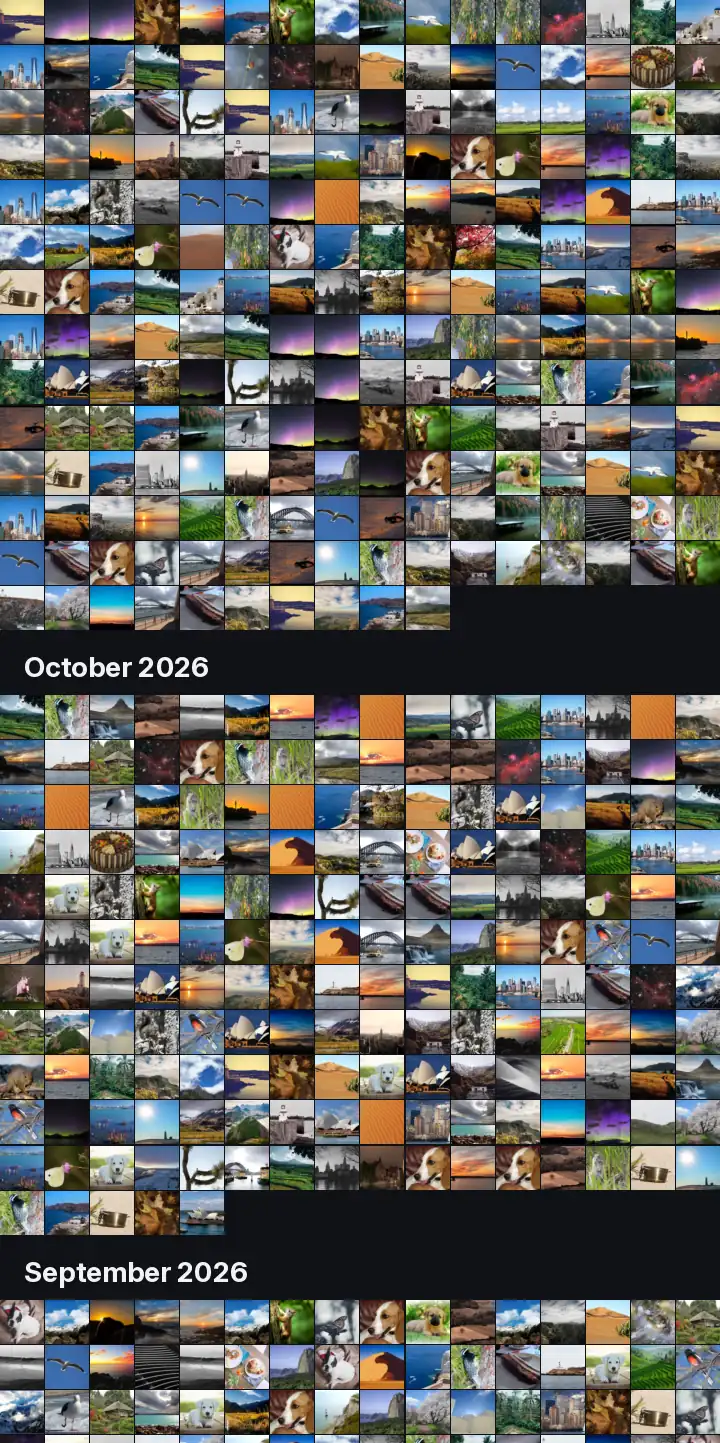
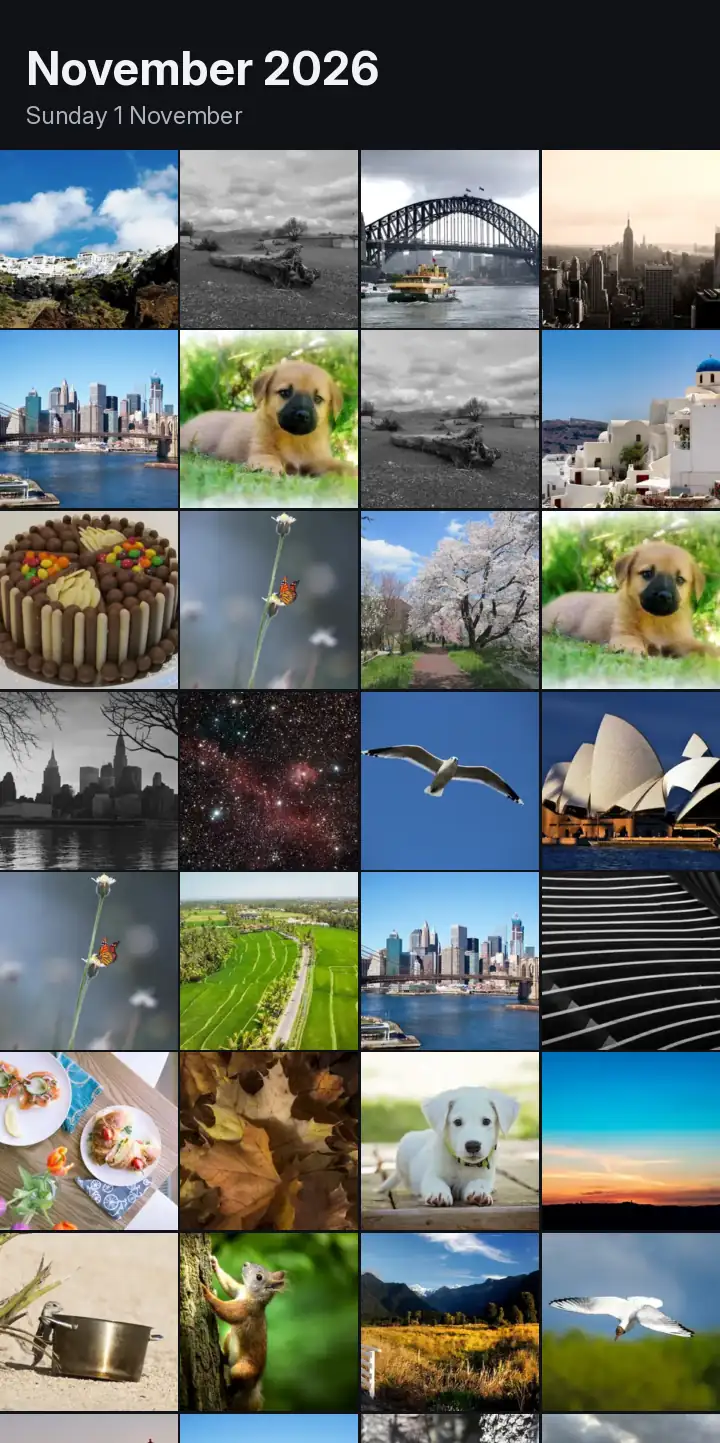
One grid for all your photos
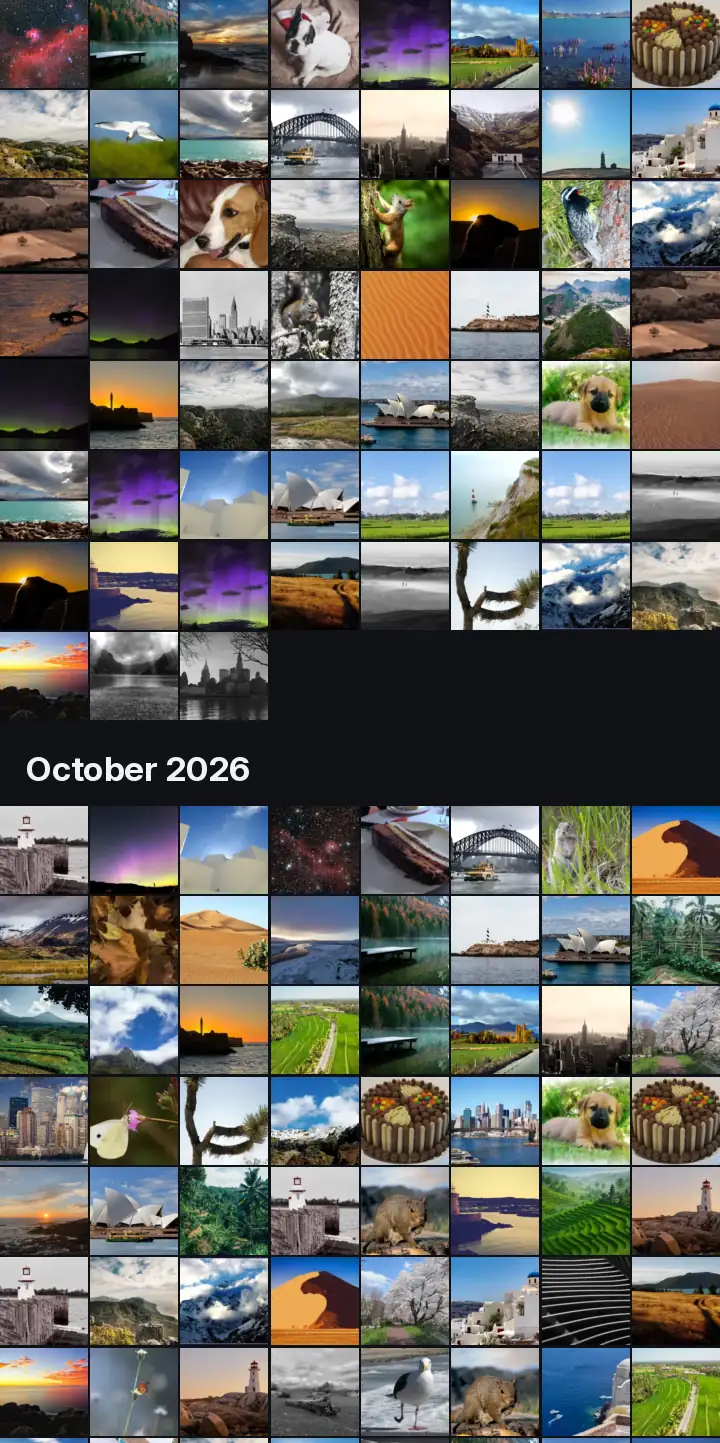
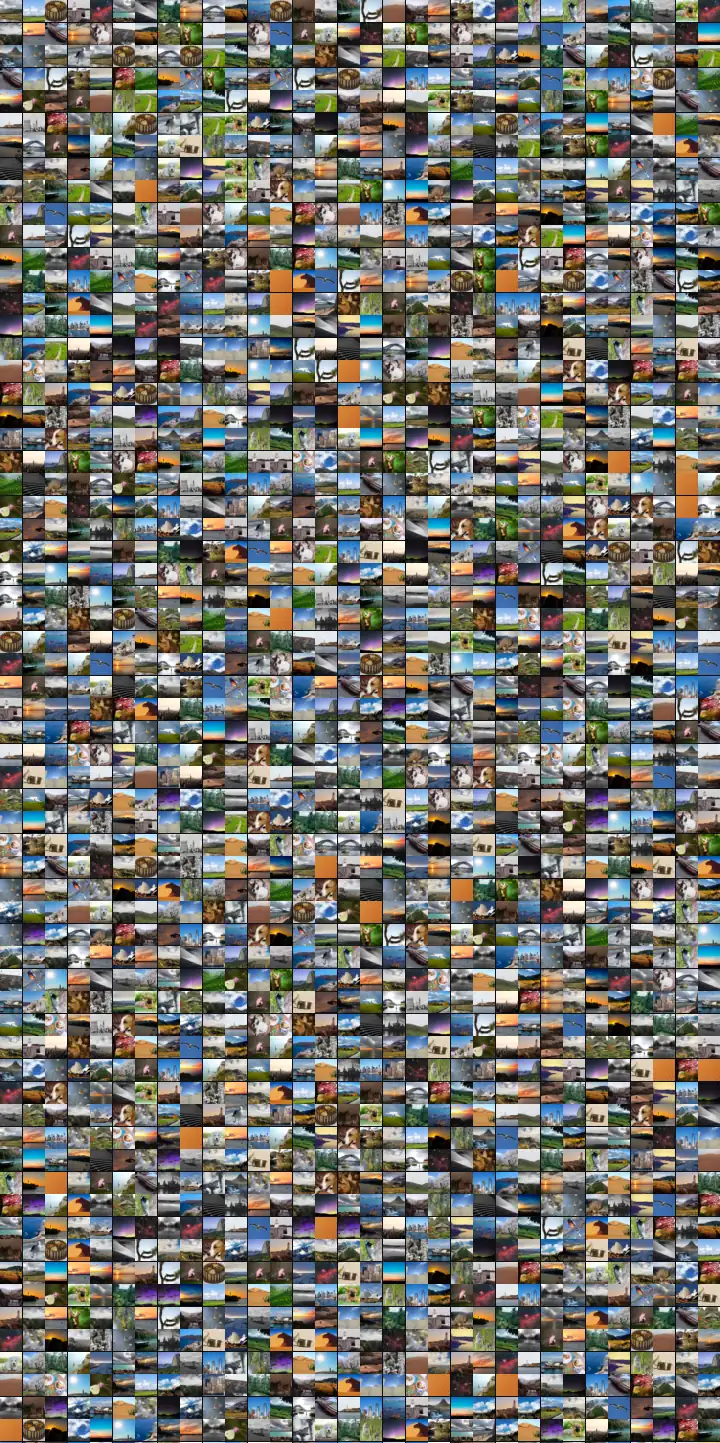
Pinch for bigger photos or for a whole year at once. It keeps scrolling smoothly with hundreds of thousands of photos. We checked, with ours.
One grid for all your photos. Without waiting.
A fast photo gallery for Android, for the photos on your phone and in your cloud storage. Built for very large libraries.
No adsNo trackingNo account with usPro is one-time
Coming soon to Google PlayWhy it exists
We waited years for our photo library to get faster. It didn't. So we built one that is.
A fast photo gallery for Android. The photos on your phone and in your cloud storage, in one grid, without waiting.
Our own library: 387,160 photos. Counted, not estimated.
Time, Place and Kind
01Time
Pinch for bigger photos or for a whole year at once. It keeps scrolling smoothly with hundreds of thousands of photos. We checked, with ours.
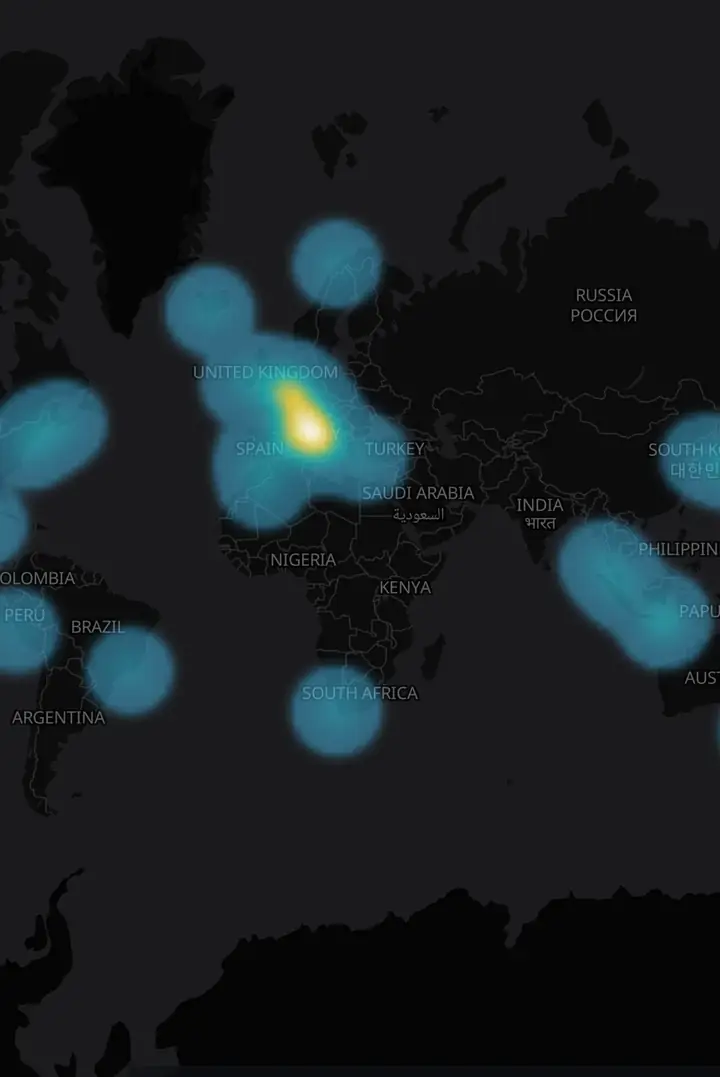
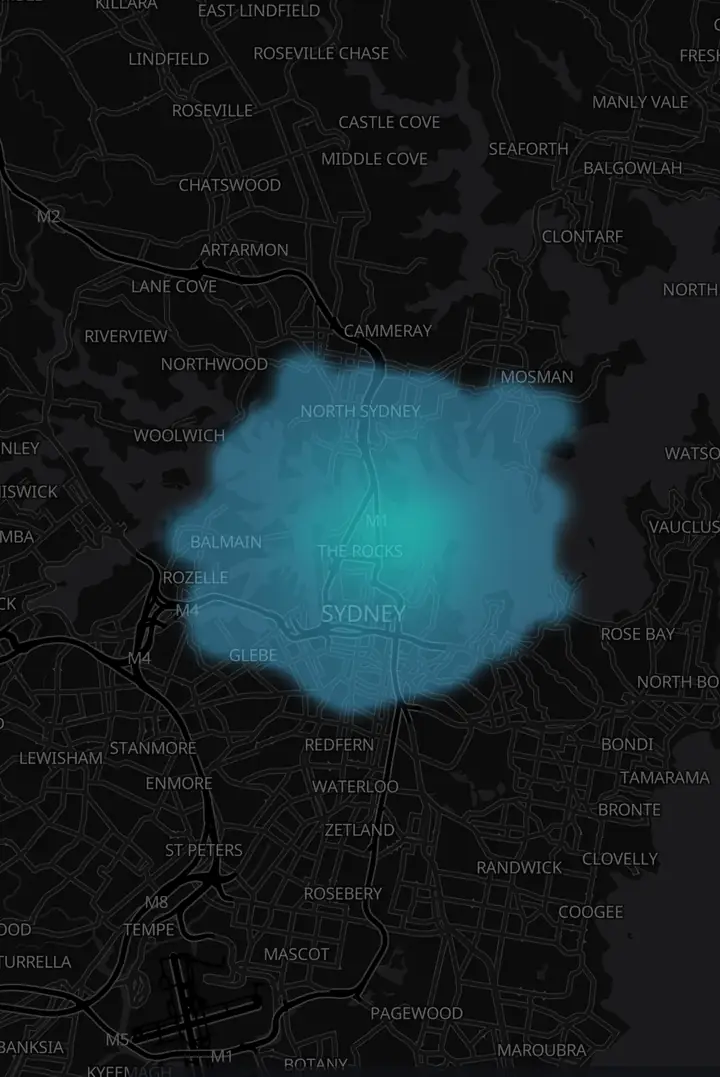
02Place
Your photos on a map. The date bar at the bottom sets the period, for when you know where but not when.
03Kind Pro
Your library grouped by subject. Lighthouses with lighthouses.
Also
Filters that work in every view: folder, period, country, camera, file type, size and colour. A date bar at the bottom sets the period.
Bursts are stacked into one tile.
Turn a photo without loss, or delete it. Deleted photos go to the trash of Android or of your cloud storage, so you can bring them back.
Make a PDF from photos of documents (Omnipix straightens the page), a collage or a photo mosaic.
Thumbnails are kept on your phone, so you can browse without a connection.
This phone, an external drive, a NAS (SMB or WebDAV) and a cloud storage service. More sources come when they are finished.
Search by content Pro
Search by what is in the photo. Type what you remember, not what the file is called. This runs on your phone.
Pricing
No time limit, no photo limit, no ads.
One-time purchase in Google Play.
Limits
Privacy
No ads, no tracking, no analytics, no account with us. Recognition and search by content run on your phone; your photos are not sent to us or to anyone else. Omnipix only reads the cloud files you can already see, and only changes a file when you ask. Details in the privacy policy.
Omnipix
For Android. Free, with a one-time Pro.
Coming soon to Google Play
Mail apps@bravoboard.be. We read every mail, in English or Dutch.
Made by BRAVO in Belgium.